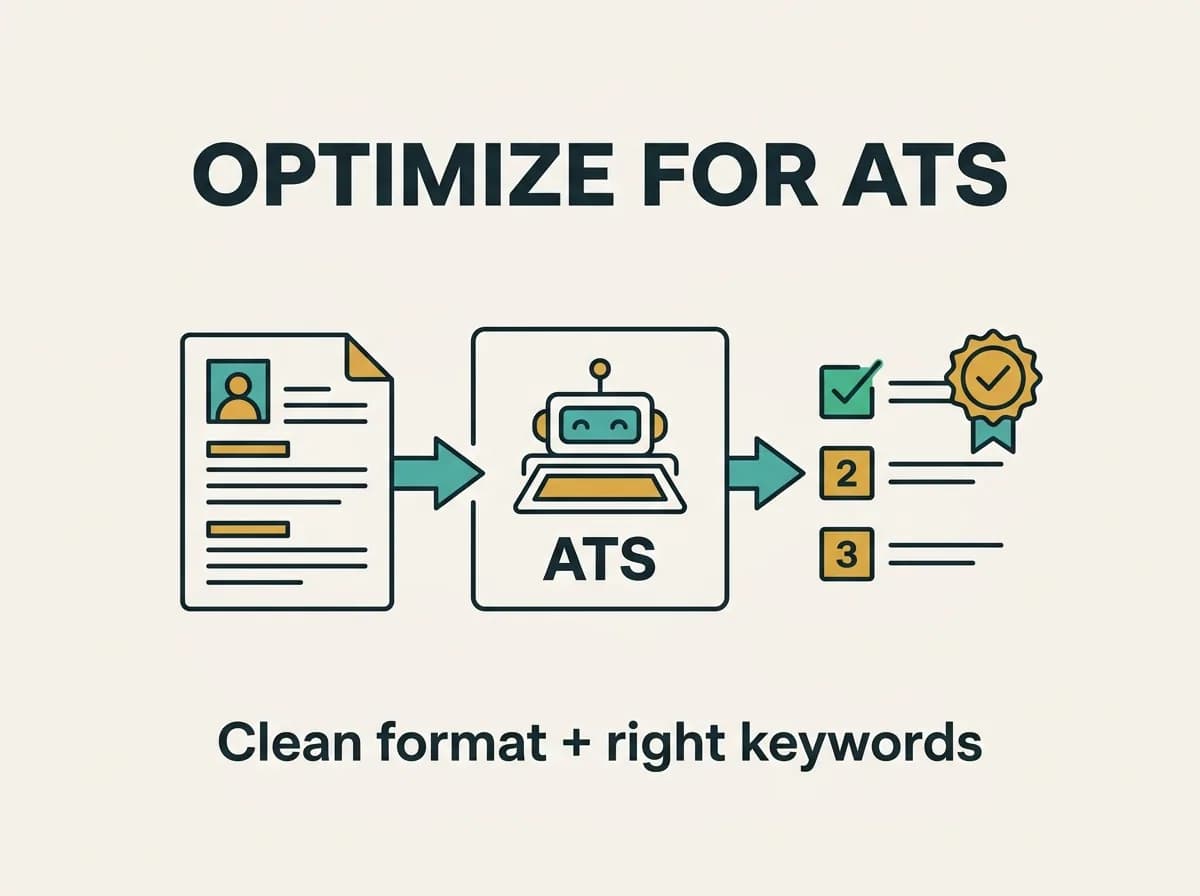
Optimizing for an applicant tracking system (ATS) sounds technical, like you need a developer and a ritual candle. You don't. You need a clean layout, the right keywords, and the discipline to skip the "creative" formatting that gets resumes silently dropped. Here's the step-by-step.
Step 1 — Start from the job description
The posting is your answer key. Highlight every skill, tool, and qualification that appears in the requirements — especially anything mentioned twice. Those are the keywords the ATS is scoring against. You're not guessing what matters; the employer told you.
Step 2 — Match the wording, honestly
Parsers are bad at synonyms. If the job says "customer relationship management," don't only write "CRM" — include both. If it says "project management," don't rely on "managed projects" alone. Mirror the posting's exact phrasing wherever it's genuinely true for you. (Wherever it isn't true, leave it out. Lying just delays the rejection to the interview.)
Step 3 — Fix the formatting that breaks parsers
This is where most resumes quietly fail:
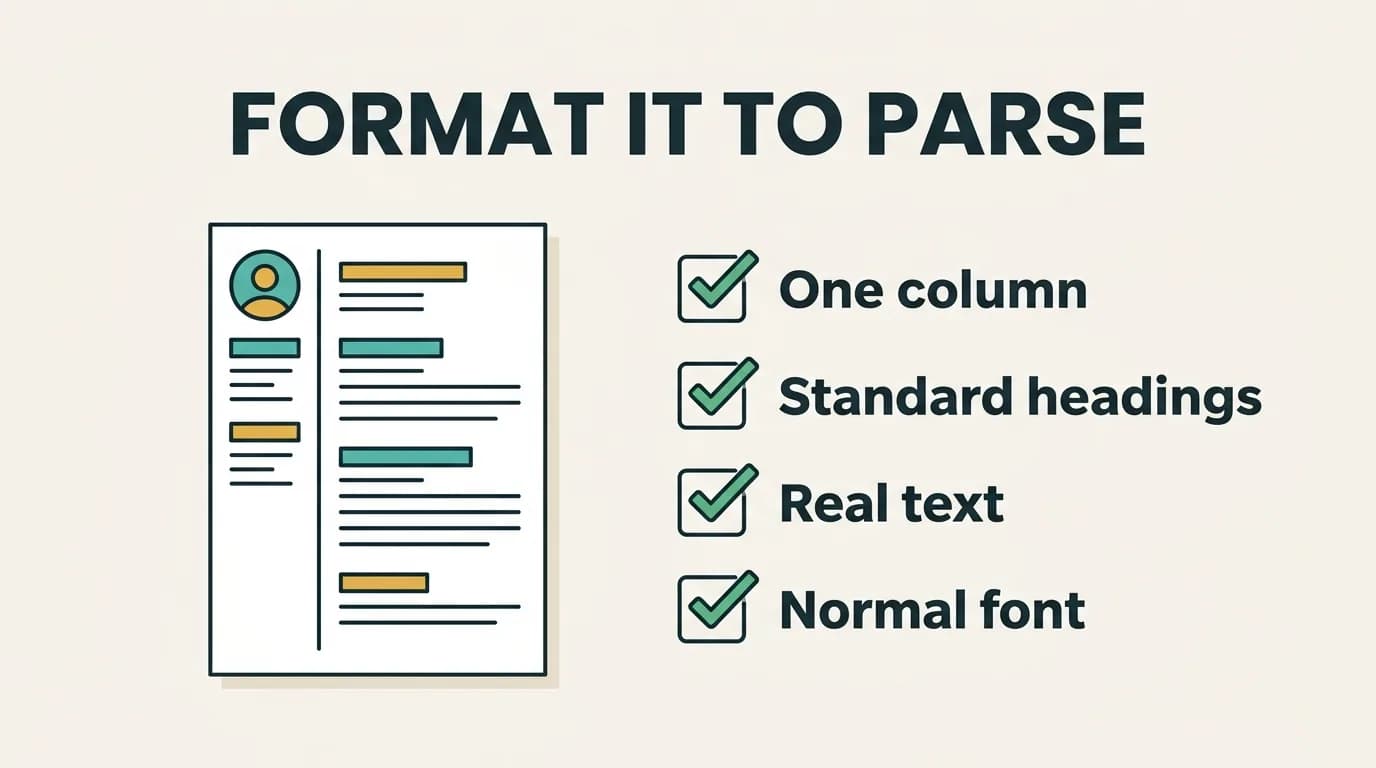
- Use one column. Sidebars and multi-column layouts get read out of order.
- Use standard headings: Experience, Education, Skills, Summary.
- Skip tables, text boxes, headers/footers, and images. Parsers often can't read them, so your contact info or skills can vanish.
- Pick a normal font and save as a text-based PDF or .docx, not a scanned image.
Step 4 — Put keywords where they count
A skills section is good; context is better. The parser likes seeing a keyword in your Skills list and proven in a bullet:
Reduced reporting time 40% by automating dashboards in SQL and Tableau.
That single line scores on keywords and convinces the human. For help picking which skills to feature, see our skills to put on a resume guide.
The formatting that silently breaks parsing (from our data)
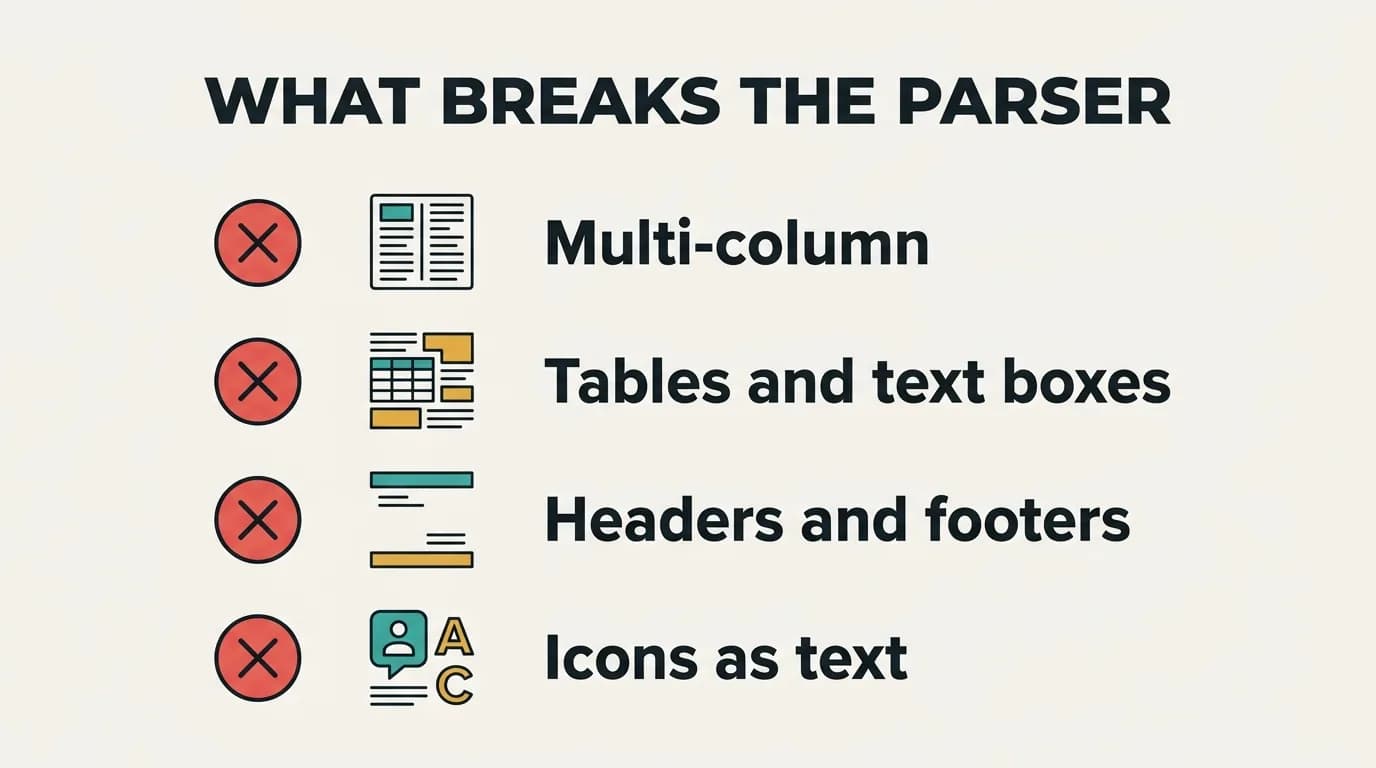
When we built Talorr's resume parser, the same culprits showed up again and again — resumes where a real, qualified candidate read as half-empty because the software couldn't extract the text:
- Multi-column layouts. The parser reads left to right and interleaves your two columns into nonsense. Your job titles and dates scramble.
- Text boxes and tables. Content inside them is frequently skipped entirely, so skills and contact info vanish.
- Headers and footers. Many systems ignore this region — put your phone and email in the body.
- Icons and images as text. A skill shown as a logo, or your name as a graphic, is invisible.
None of these are exotic. They're the default output of most "designer" resume templates, which is exactly why they cause so much quiet damage.
Step 5 — Quantify, because rankings get read by people too
The ATS hands a ranked list to a recruiter who spends about six seconds per resume. Numbers are what survive a six-second glance: percentages, dollars, headcount, time saved. "Improved performance" is forgettable. "Cut load time 60%" is not.
Step 6 — Don't stuff, don't trick
White-text keywords, invisible fonts, repeating a job title ten times — old tricks that modern systems flag and recruiters despise. Optimization is honest matching plus clean formatting. That's the whole game. And no, the ATS can't tell if AI helped you write it, so use good tools without fear — just keep it truthful.
ATS myths that waste your time
A few persistent myths lead people astray:
- "You need a special ATS resume." No — you need a clean, ATS-optimized version of a normal resume. Same content, parser-safe formatting.
- "Match 100% of the keywords." You don't, and you shouldn't fake it. Cover the must-haves truthfully; a suspiciously perfect keyword match reads as stuffing to the human who follows.
- "PDFs get rejected." Modern systems read text-based PDFs fine. What fails is a scanned-image PDF or a design-heavy one. When in doubt, a .docx is the safe default.
- "Opting out beats the bots." It usually just slows you down — see should you opt out of AI resume screening.
Step 7 — Test before you send
Submitting blind is how you learn nothing from 50 rejections. Run your resume against the actual posting first.
Optimize in one pass with Talorr
Doing all seven steps by hand, for every job, gets old fast. Talorr's free ATS resume checker scores your resume against any job description, flags formatting issues and missing keywords, and helps you tailor the wording — so you optimize in minutes instead of an evening.
Frequently asked questions
- How do I optimize my resume for ATS?
- Start from the job description and mirror its exact keywords where true, use a clean single-column layout with standard headings, avoid tables and images, prove keywords in quantified bullets, and save as a text-based PDF or .docx. Then test it against the posting before submitting.
- Do I need a different resume for each job?
- You don't need to rewrite it from scratch, but you should tailor the keywords and summary to each posting. Different jobs emphasize different skills, and matching the specific wording is what lifts your ATS ranking.
- What resume format is best for ATS?
- A reverse-chronological, single-column layout with standard section headings (Summary, Experience, Skills, Education), a common font, and a text-based PDF or .docx file. Avoid tables, columns, text boxes, headers/footers, and images, which parsers frequently misread or skip.
- Can an ATS read a PDF resume?
- Yes, as long as it's a text-based PDF (exported from a word processor), not a scanned image. Modern applicant tracking systems parse text PDFs reliably. If you're unsure or the application is older, a .docx file is the safest choice.