Job hunting without a tracker is like grocery shopping while hungry and listless — you forget half of it and panic about the rest. Once you're past five applications, "I'll just remember" stops working. A simple tracker turns the chaos into a system. Here's how to build one.
Why you need one
A tracker does three quiet but crucial things:
- Stops embarrassing mistakes — like applying twice or blanking on which version of your resume you sent.
- Tells you what's working — which sources and roles actually get responses.
- Keeps follow-ups on time — the difference between "top of mind" and "forgotten."
The columns that matter
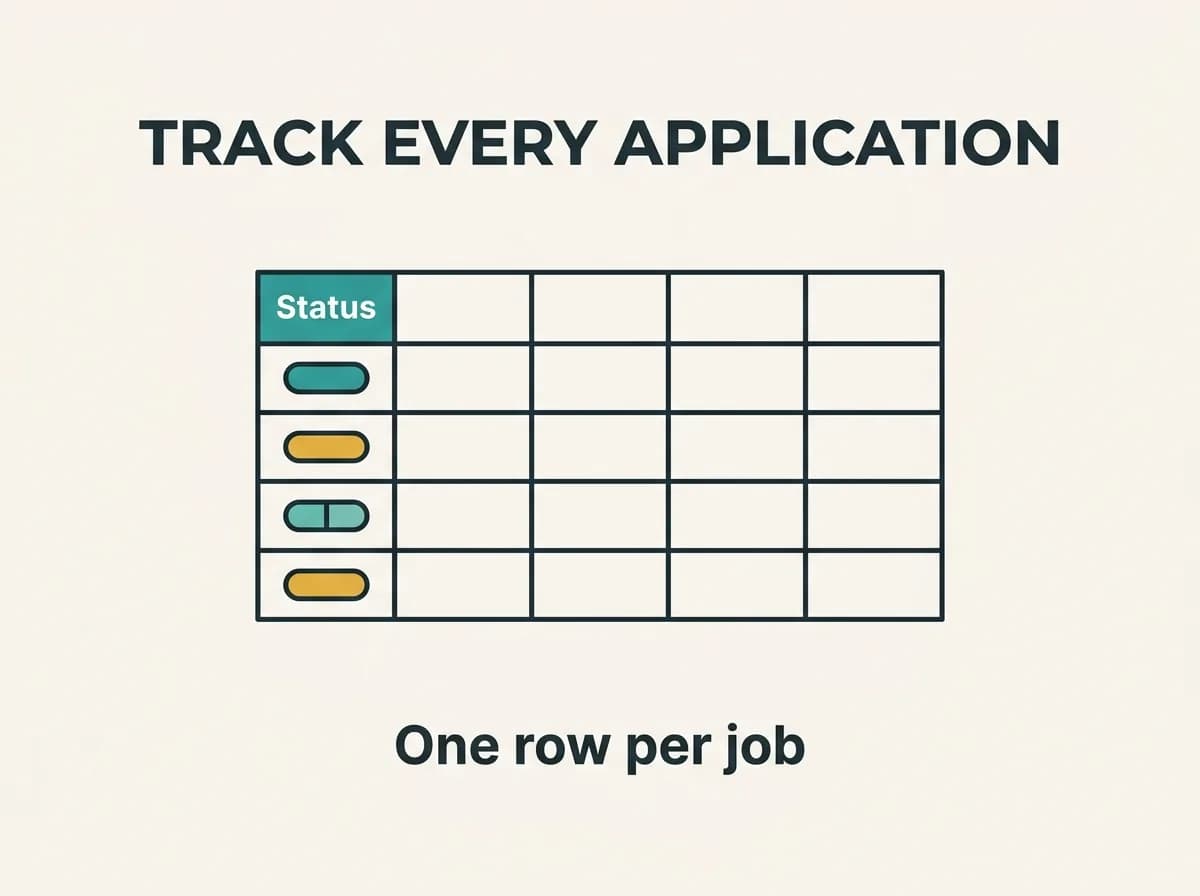
You can build this in Google Sheets in ten minutes. Include:
- Company and role title
- Date applied
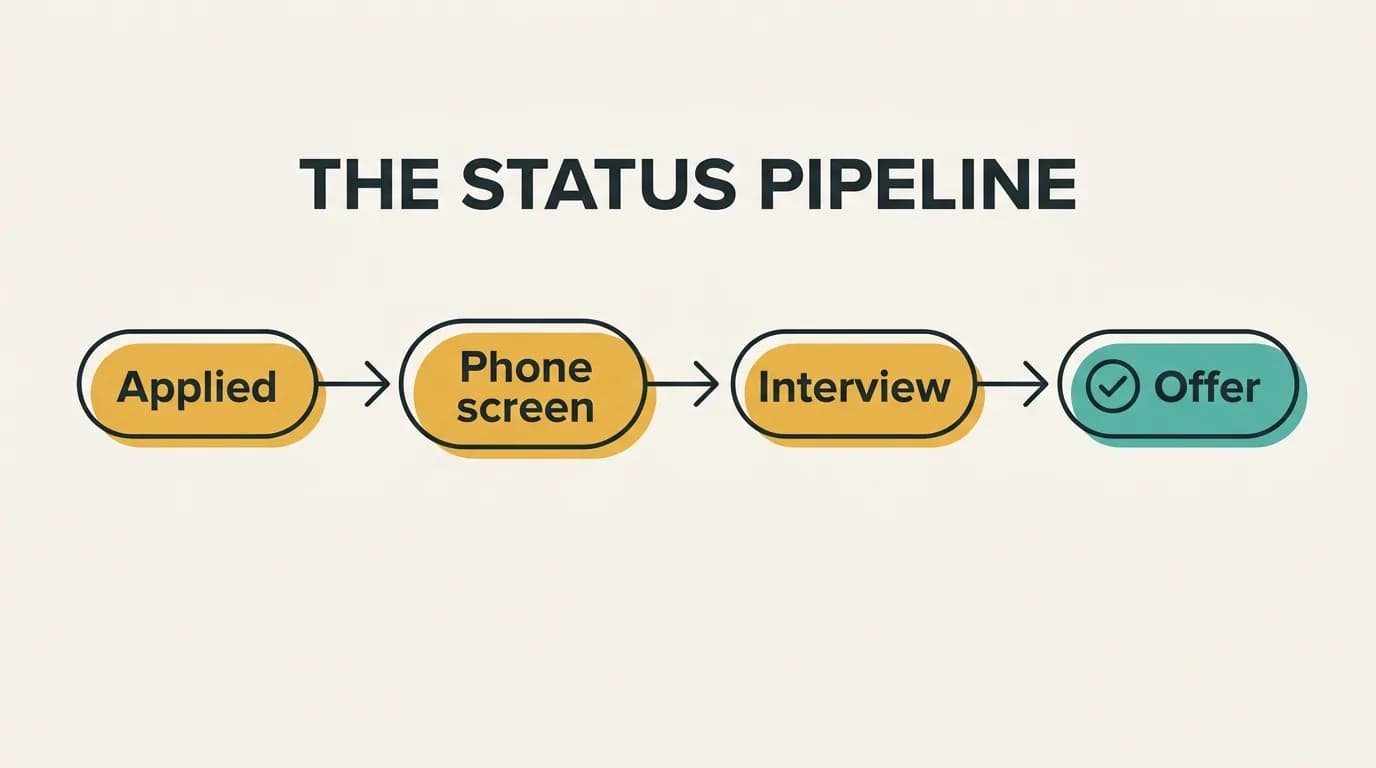
- Status — Applied, Phone screen, Interview, Offer, Rejected, Ghosted
- Link to the job posting (so you can reference it later)
- Resume version you sent
- Contact — recruiter or referral name
- Next action + date — the follow-up nudge
- Notes — anything specific you tailored
Don't over-engineer it. A tracker you actually update beats a beautiful one you abandon by Tuesday.
Use the "resume version" column religiously
This is the column people skip and later regret. Because you should be tailoring your resume to each posting, you'll have several versions floating around. When a recruiter calls about the role you applied to three weeks ago, you'll want to know exactly which resume — and which keywords — you sent.
Track the score, not just the send
A status of "Applied" tells you nothing about quality. Before you log a job as done, make sure the application was actually competitive: did your resume match the posting? Logging the ATS match score alongside each application turns your tracker into a feedback loop — you'll quickly see that higher-match applications get more responses.
Review it weekly
Once a week, scan the tracker: who needs a follow-up, which sources convert, and whether your match scores correlate with callbacks. That ten-minute review is what turns a spreadsheet into an actual job-search strategy.
Let Talorr handle the resume side
A tracker keeps you organized; Talorr keeps each application strong. Tailor your resume to every posting, check the match score, and log it — so your tracker fills up with high-quality applications instead of hopeful ones.
Frequently asked questions
- What should a job application tracker include?
- At minimum: company, role title, date applied, status, link to the posting, which resume version you sent, contact name, next follow-up action and date, and notes. The resume-version and status columns are the most useful for follow-ups and spotting what's working.
- Do I really need a job application tracker?
- Once you're applying to more than a handful of jobs, yes. It prevents duplicate applications, keeps follow-ups on time, and shows which sources and resume versions actually get responses — turning a scattered search into a measurable one.